Guide
Other MBTA Display Projects
A roundup of projects built on the MBTA's open data: open-source Pi builds, a data visualization, and commercial hardware worth bookmarking.
While building CharlieBoard, I came across a number of other projects using the MBTA API ranging from fun hobby builds to full commercial products. This is not an exhaustive list, but a selection of projects that I found interesting. If you want your project added or removed, email me.
These projects are all made possible by the MBTA's free public API, a data feed that anyone can access for real-time train and bus locations, arrival predictions, and service alerts. Using simple Python scripts, you can fetch, process, and display this data.
Open-source hardware builds
TrainWatchr
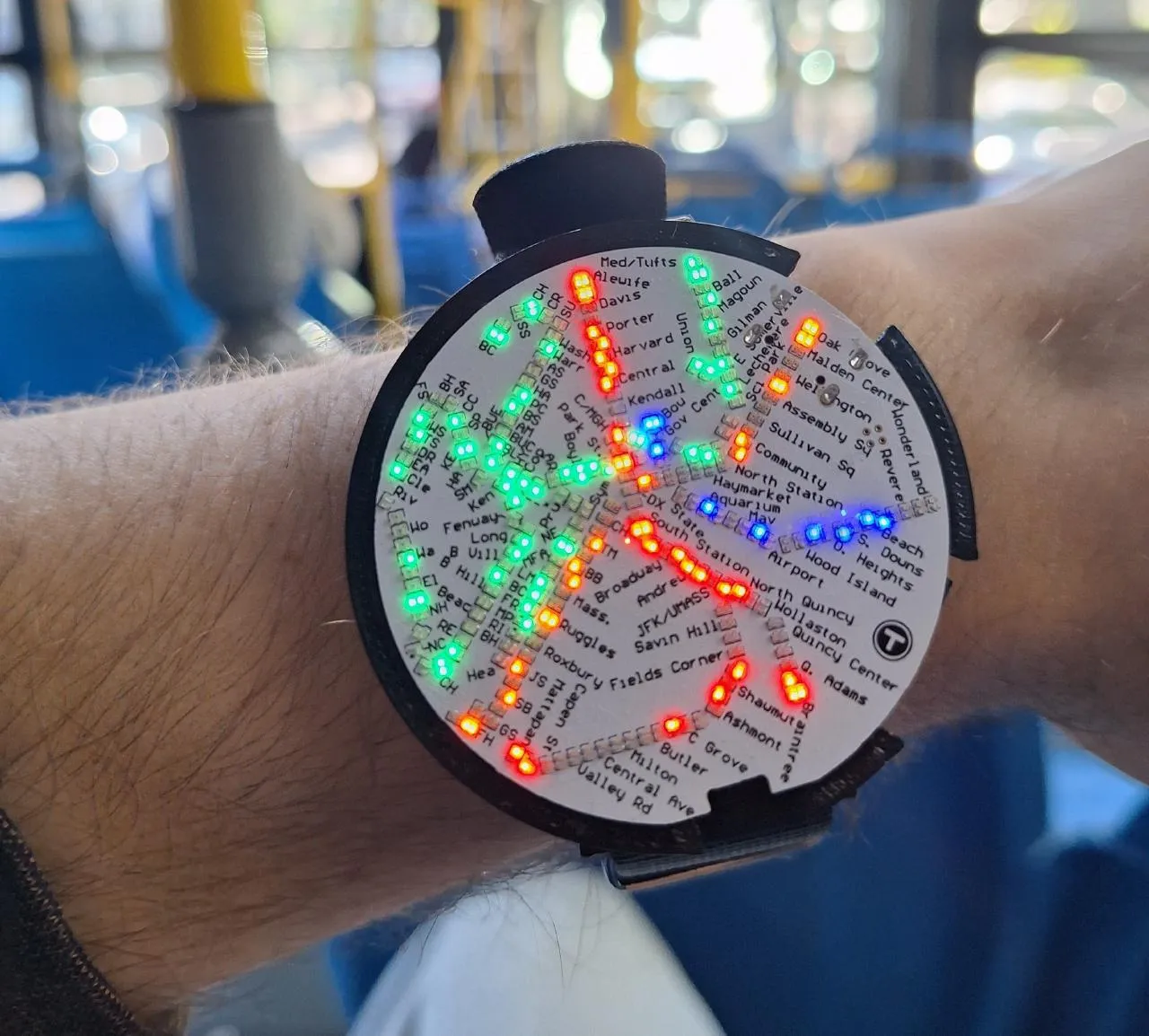
TrainWatchr is one of the most impressive projects I came across. The build looks compact on the surface, but it becomes even more impressive when you check out the PCB files on the project's website. This display uses an ESP32 to drive hundreds of 0201 LEDs. Data is sent to the ESP32 over Bluetooth from your phone.
MyBus
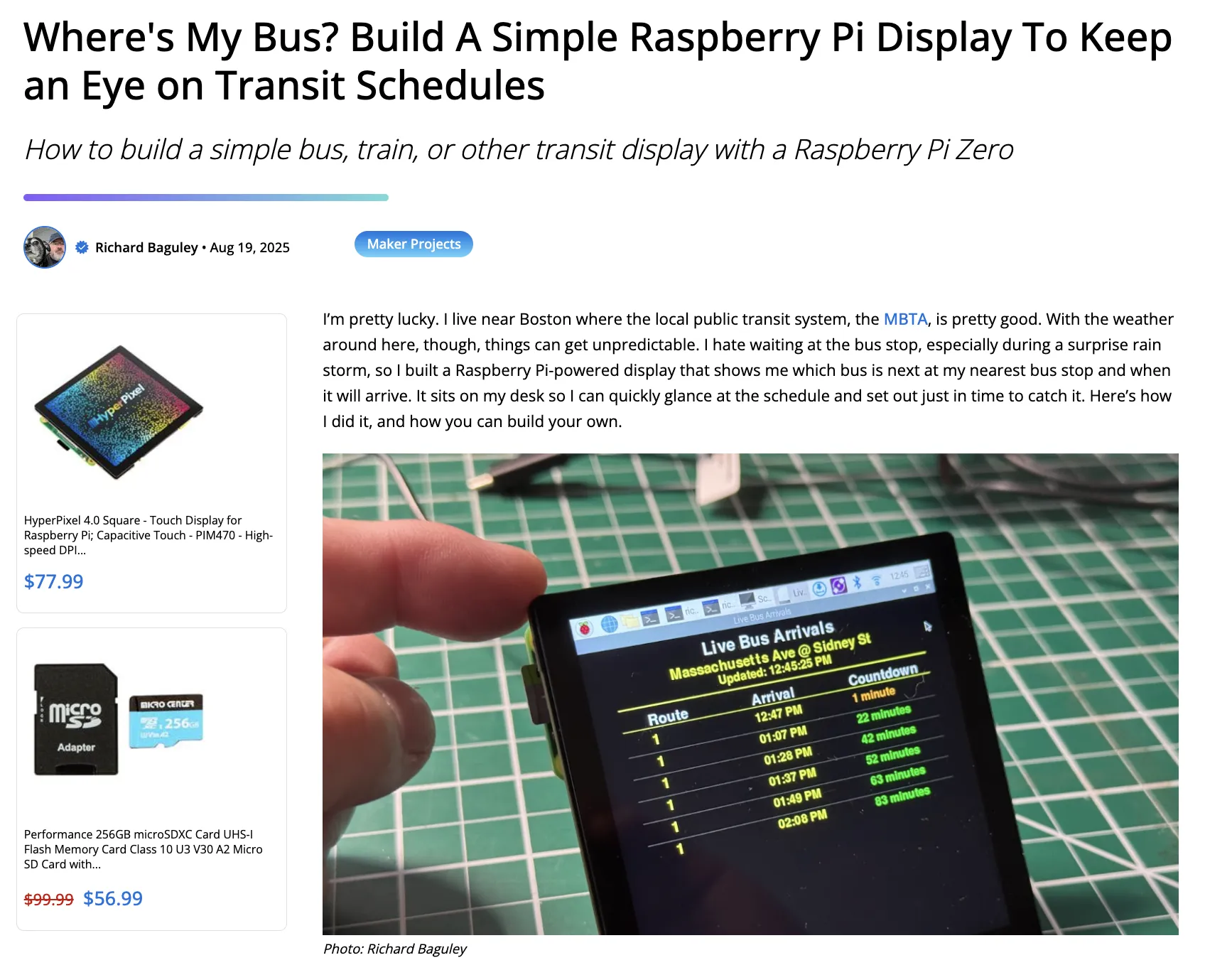
This project is a simple build that doesn't require any custom hardware. It runs on a Raspberry Pi and displays live bus arrival predictions in your terminal. This project is a great example of how to use the MBTA API to display data in a simple, easy-to-read format. There is a write-up on Micro Center if you want more background.
InstantMBTA
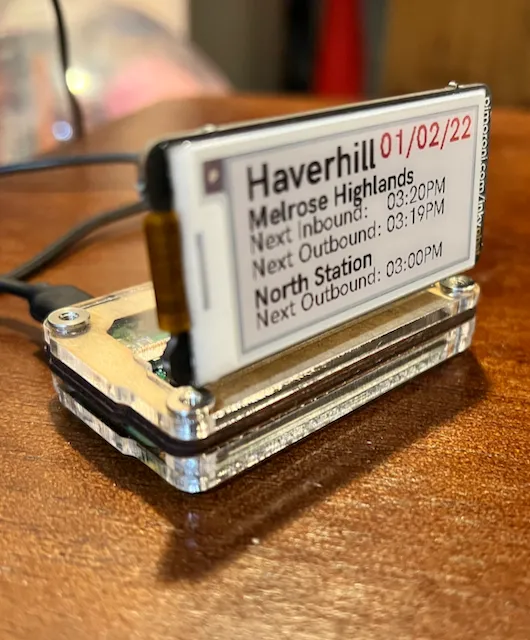
This is another simple project that doesn't require any custom hardware. It runs on a Raspberry Pi and displays live train arrival predictions on an e-ink display. E-ink displays have a clean look and use very little power. This is an easy project for beginners to get started with the MBTA API. This also has opportunities for expansion since this display uses so little of the Pi's resources.
Software only
MBTA Data Visualizer
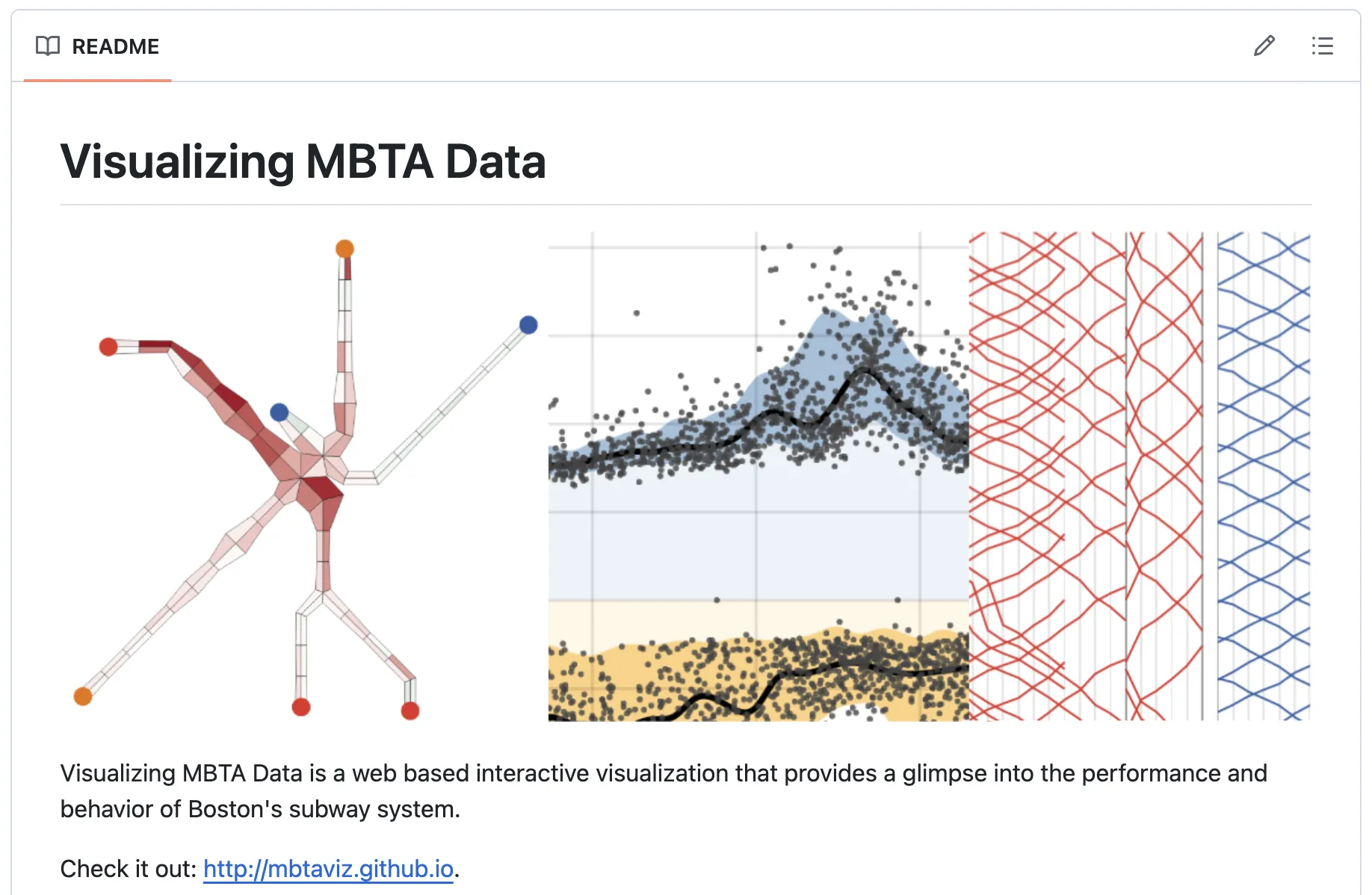
While this project strays from the hardware side of CharlieBoard, it is a clean, impressive piece of data visualization and a great example of what the MBTA API can power.
Commercial products
TrainTrackr
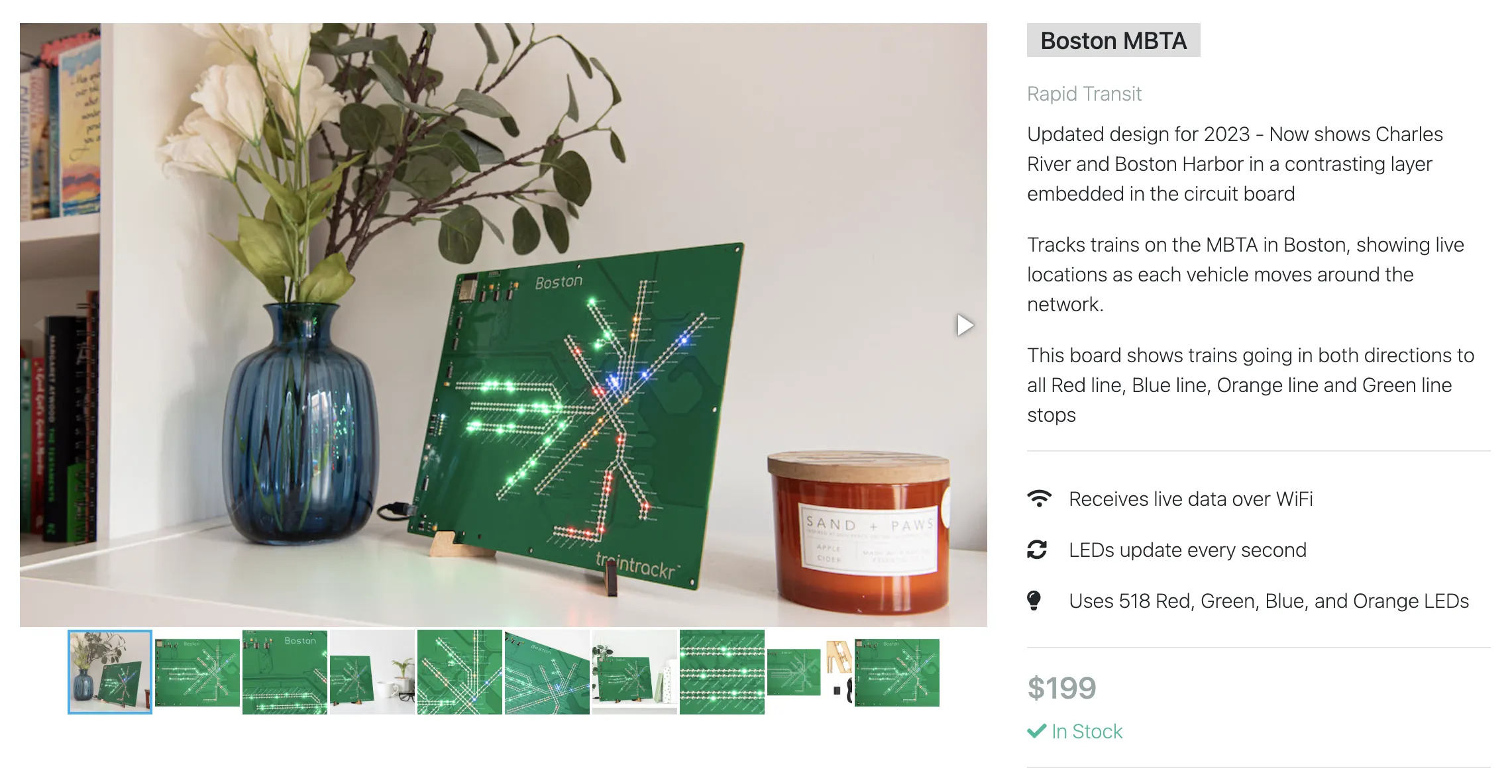
TrainTrackr is a commercial transit display with several models to choose from. The MBTA board has over 500 LEDs driven by an ESP32 microcontroller. This project is a cool example of persistence of vision as a solution for controlling many LEDs with a single microcontroller.
MetroBoard
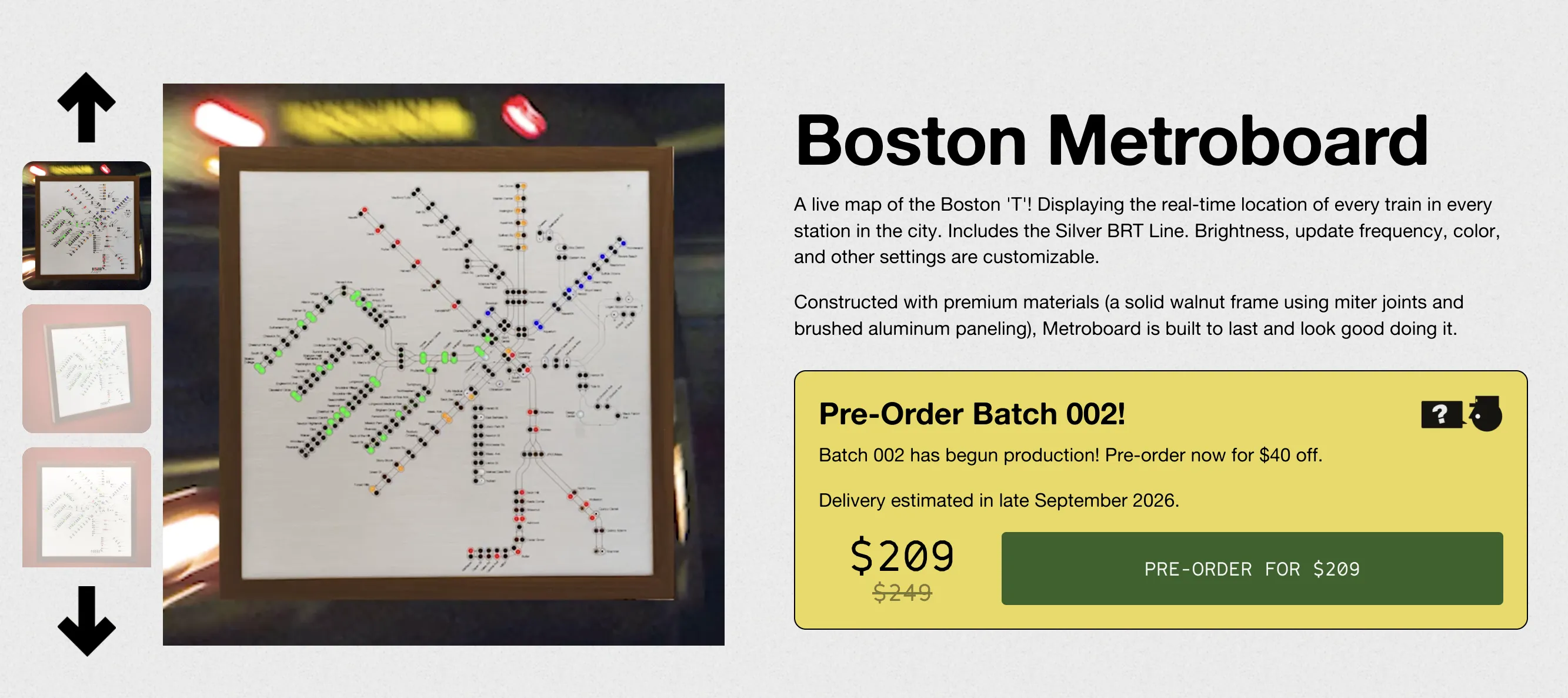
MetroBoard is another commercial transit display, with a more polished look. This version combines modern materials, like laser cut aluminum, with mid-century modern design. It runs using an ESP32 and addressable LEDs similar to CharlieBoard. MetroBoards for several major metro systems are available.